Anson Tran
Violin Solidworks Assembly
Last updated: 2/3/2026
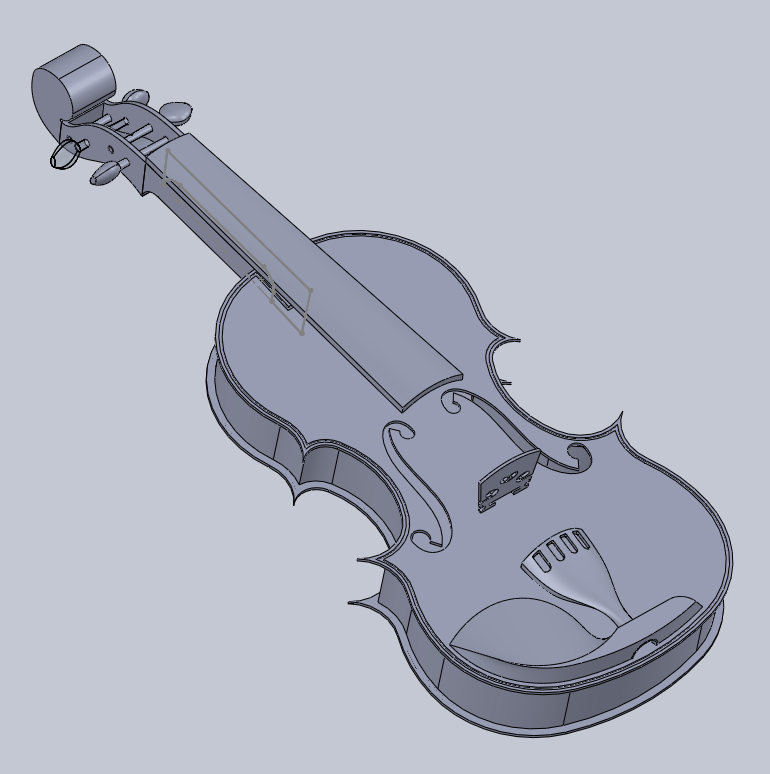
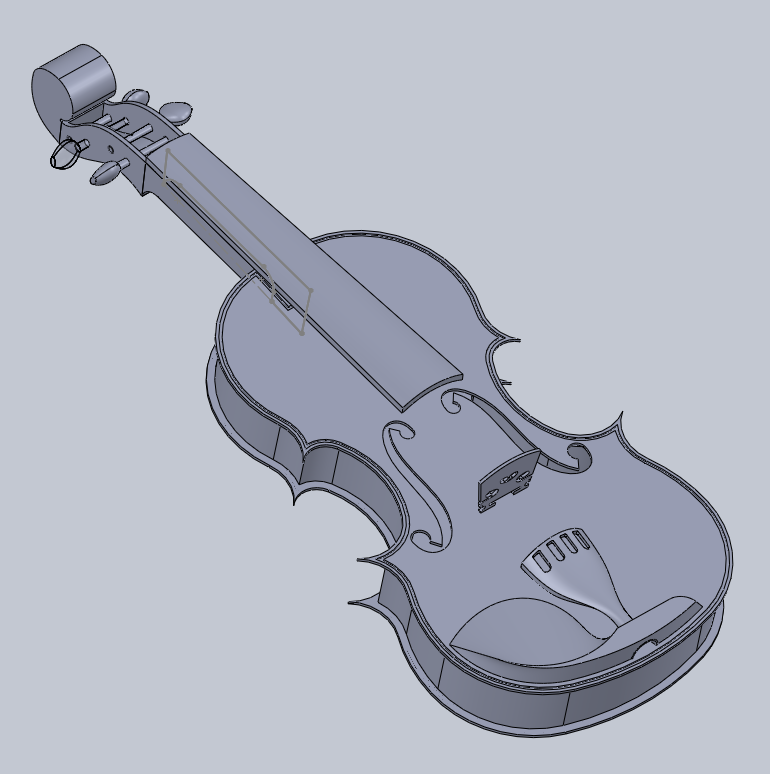
A parametric CAD model of a violin, made in Solidworks and made of 7 parts
Overview
In the Mechanical Designs and Drawings course, we learned the basics of CAD modelling in Solidworks. Modeling, dimensioning, and assembling various parts together.
Our final project was to apply our newfound skills to model a complex real life object, made of at least 4-5 component parts. I chose to model a violin, a handmade instrument with cuts and curves that can't be machined easily, and has a lot of intricate details that are difficult to model. The violin assembly consists of 7 parts:
- Violin base
- Neck & Scroll
- Tuning pegs
- Bridge
- Fingerboard
- Chin rest
- Tailpiece
Violin Base
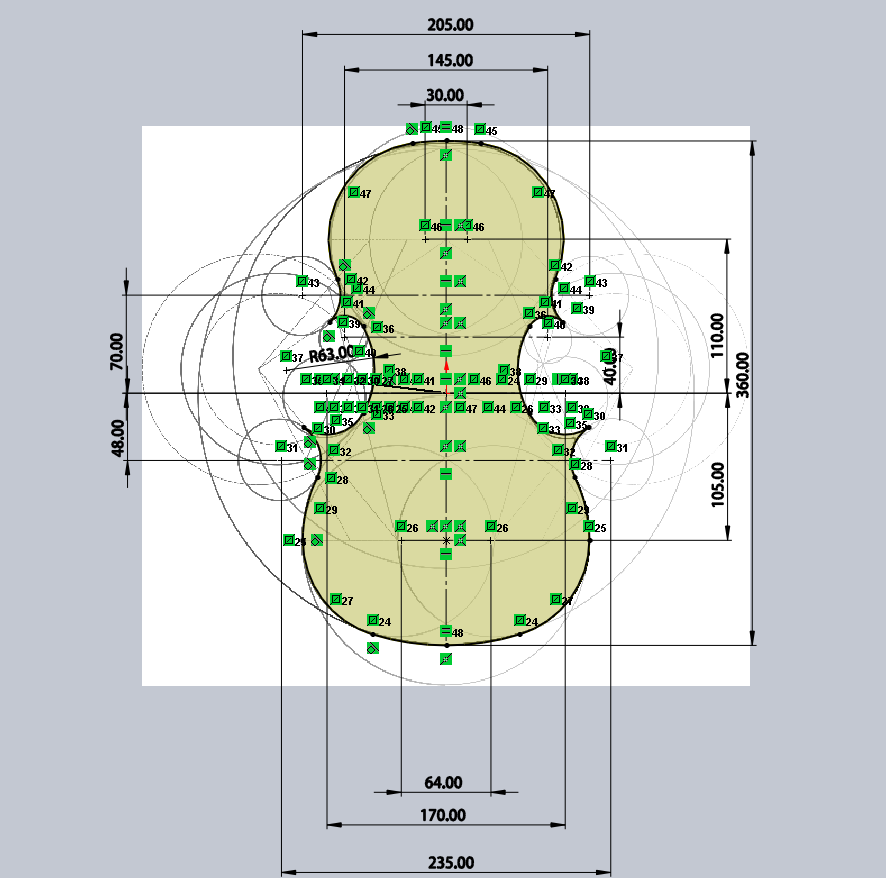
The violin base is a hollow shell that amplifies the sound produced by the strings. To model the general outline of the base, I applied the "Four Circles" method, to draw the symmetrical, flowing outlines of the violin.
For a standard 4/4 size violin, the length of the base is about 36cm, so I set that as the main dimension and sketched the rest of the outline relative to the base length.
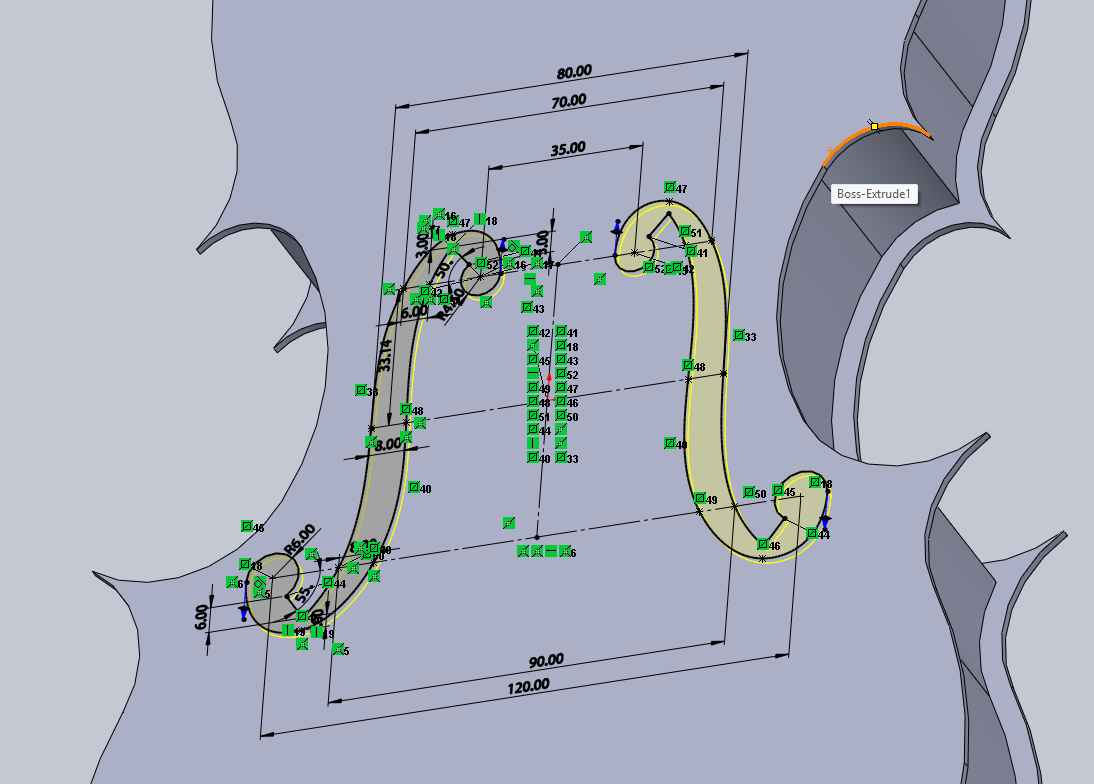
The sound hole is an opening in the body that helps to project sound more efficiently. Violins have F-holes, which required some tricky splines and constraints to get it to look right.
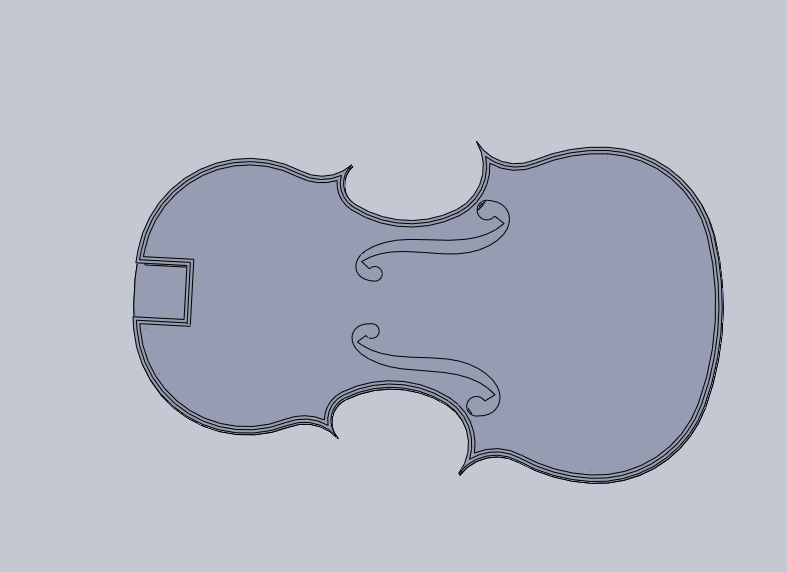
The violin base also has a feature called purfling, a decorative inlay that runs along the edges of the violin. It helps to absorb impacts and prevent cracks from spreading inwards. I modeled a small channel around the edges, where a strip of material would be inlaid to protect the edges in a real violin.
Neck and Scroll
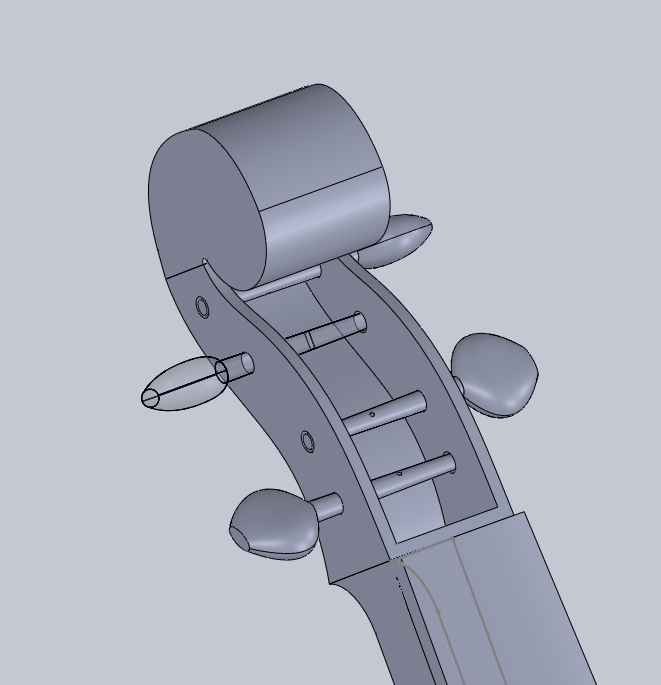
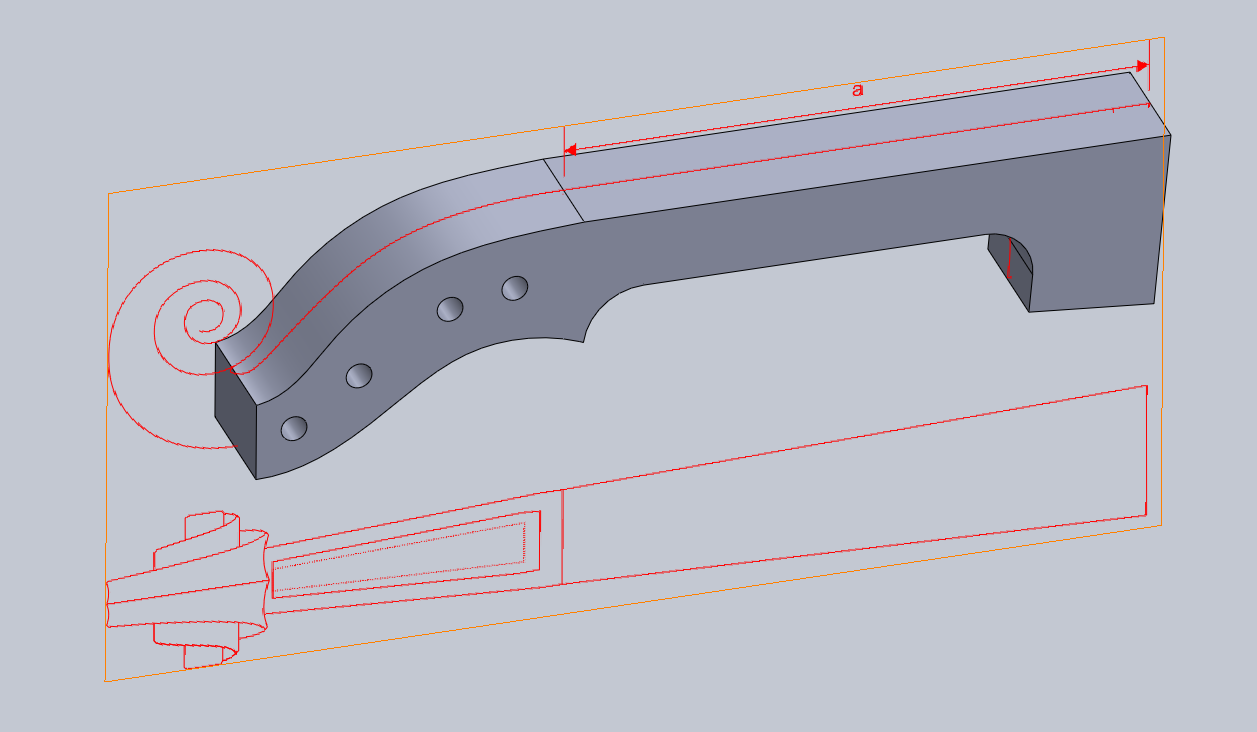
The scroll is a decorative, spiral woodcarving located at the top of the neck, and is very difficult to model. Due to time constraints, I simplified the scroll design into a simple spiral shape. The neck is also simplified to match the scroll design.
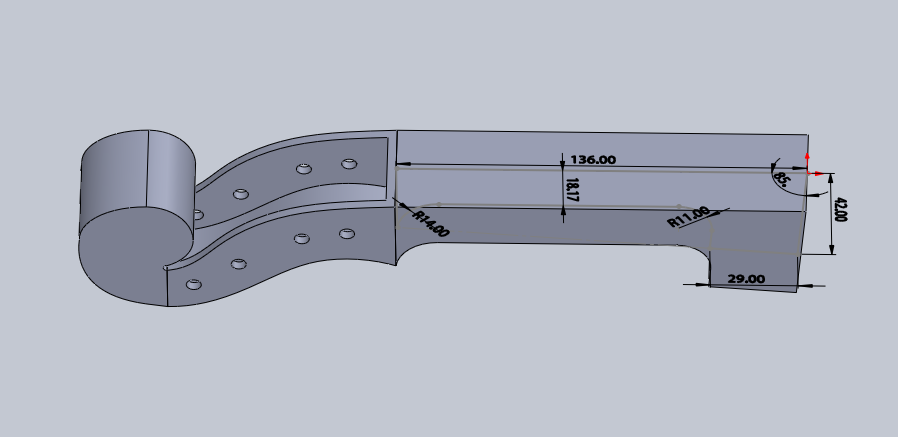
Tuning Pegs
There are lots of different designs for tuning pegs on violins. I designed a pretty elegant shape for mine, using three oval sketches and a lofted surface between them.
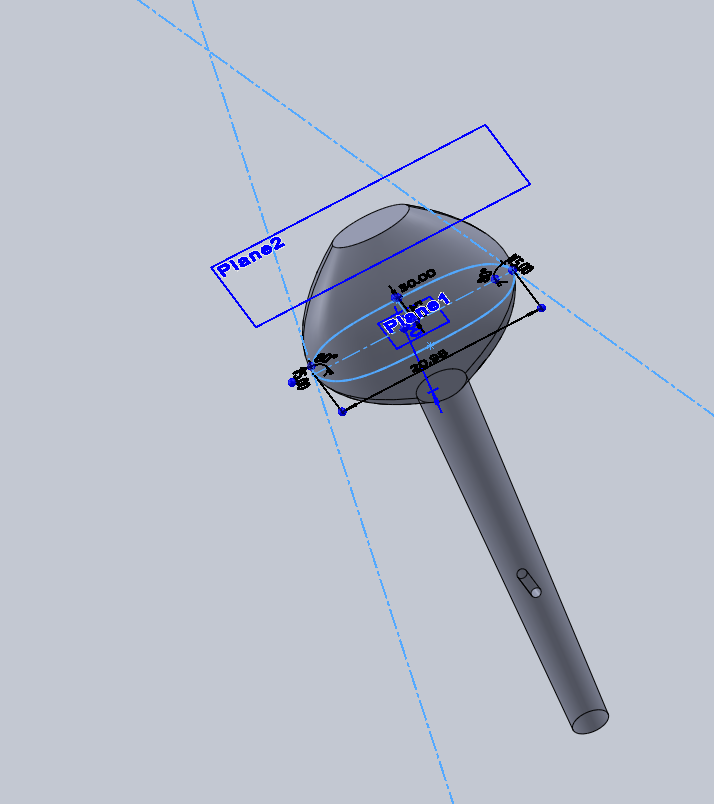
Bridge
The bridge is a piece that sits in the middle of the violin base, and transfers string vibrations to the body and maintains string height. The base of the violin actually puffs out a bit in the middle (like a popcorn bag), but is completely flat in my design for simplification. Hence, my bridge design needed to accomodate this change.
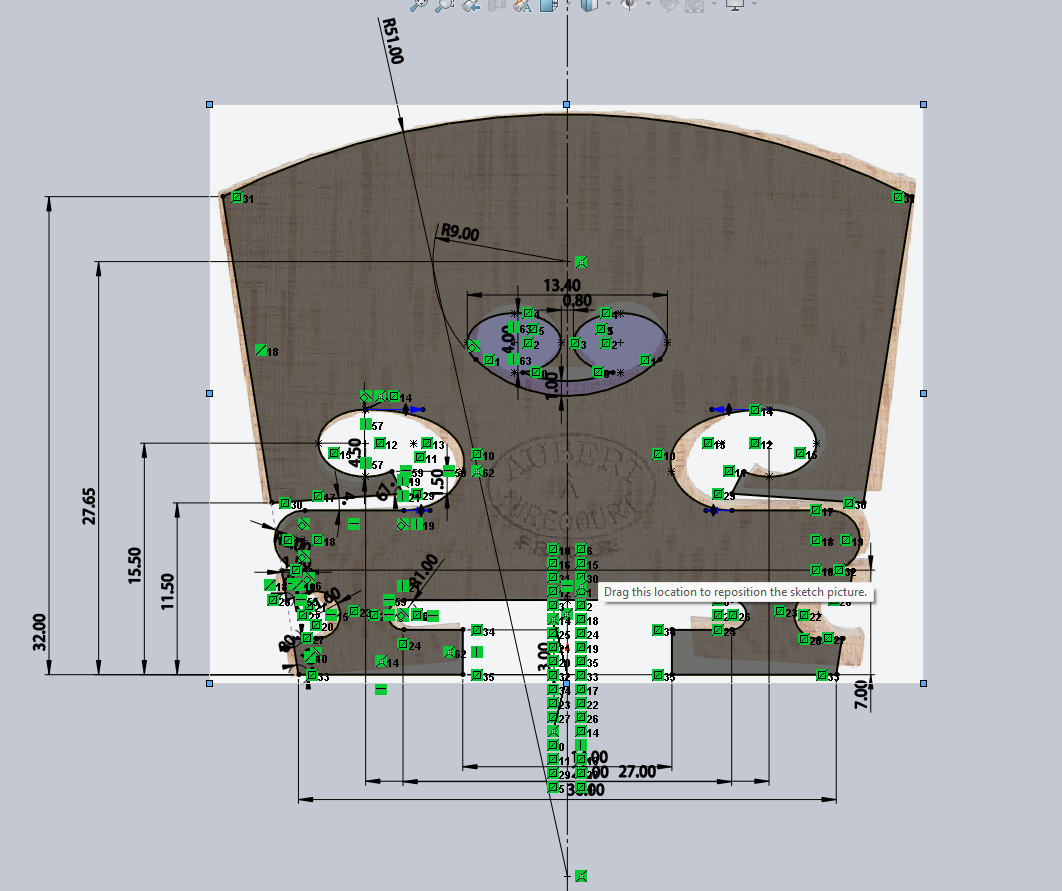
Fingerboard
The fingerboard is a simple piece to model, but would be difficult to get the dimensions correct. For this piece, I sketched it in the assembly itself, so that the part lines up perfectly with the neck and the bridge.
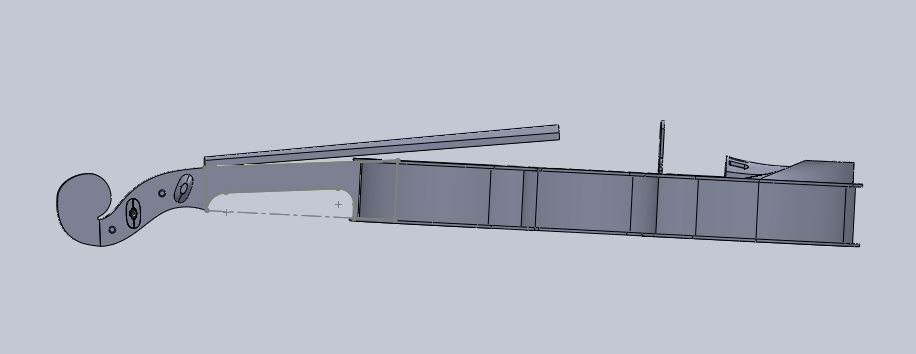
Chin Rest
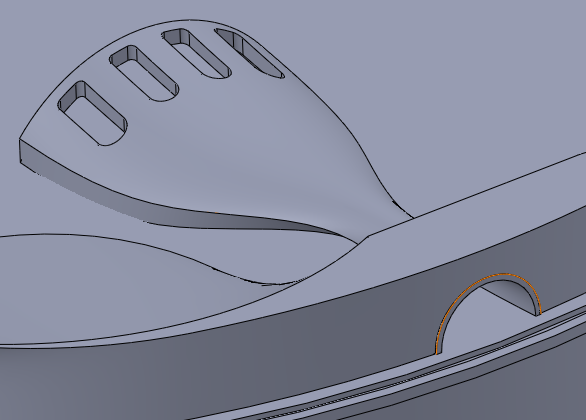
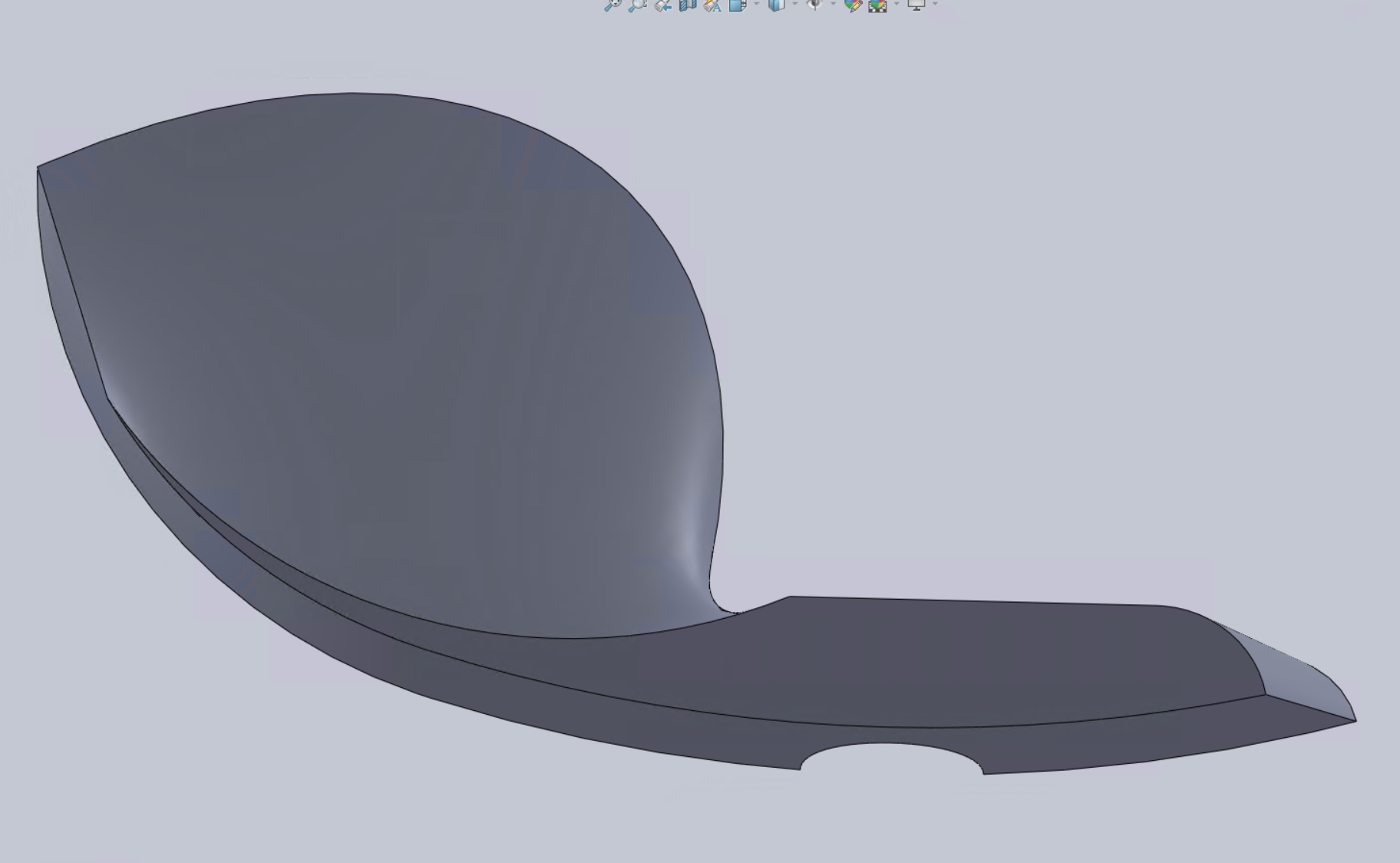
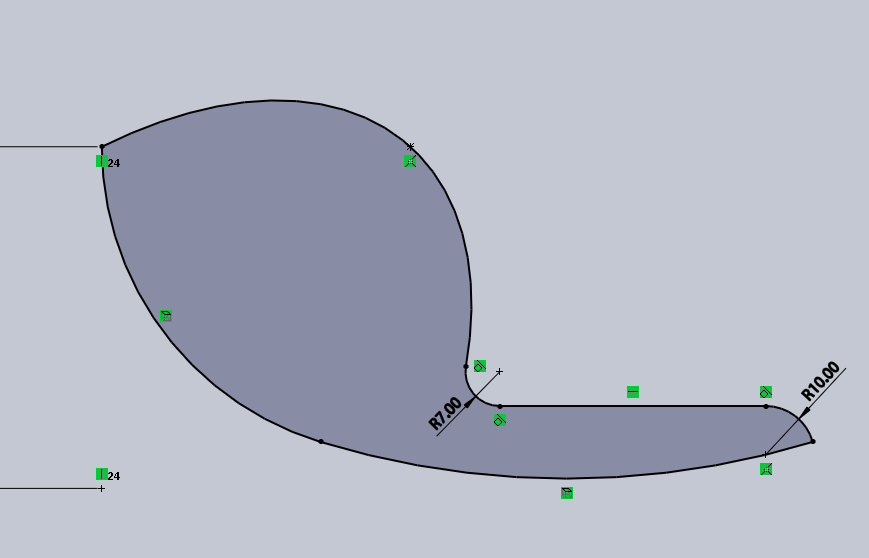
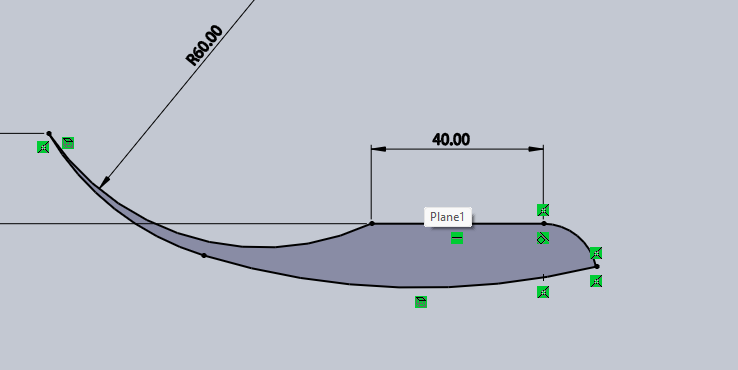
The chin rest is attached to the body of the violin, and helps position the player's jaw or chin. My design is a simple lofted surface between two sketches, with a through hole for the tailpiece to sit in.
Tailpiece
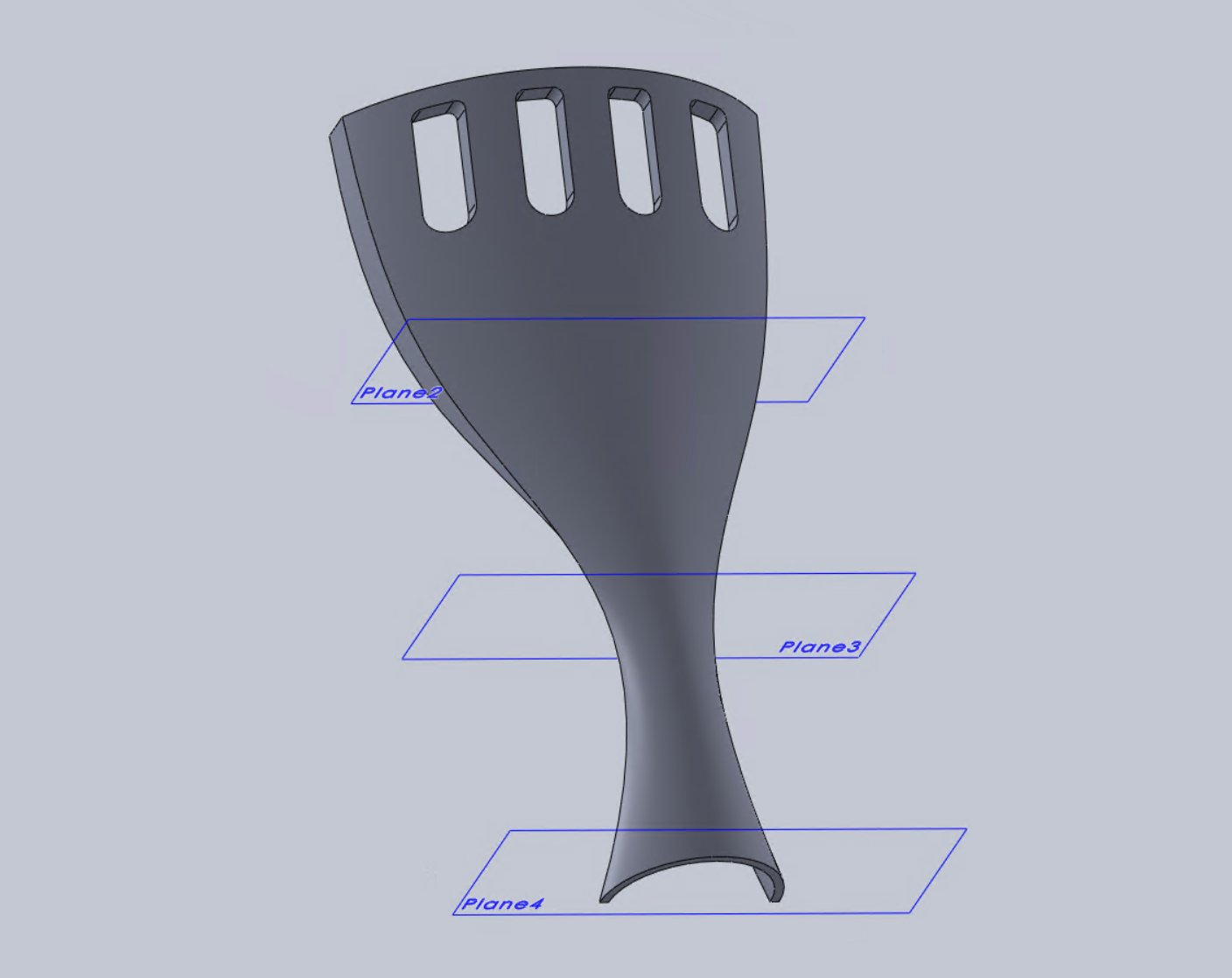
The tailpiece anchors the strings at the lower end of the violin, and is the final piece I designed. I sketched the side profiles on four parallel planes, and created a lofted surface between them. I sketched the holes on the top plane, and extruded it as a blind hole.
Final Assembly
Here are some additional photos of the final result! Overall, I gained a deeper appreciation for violin craftsmanship, and improved my modeling skills in Solidworks.